MyHutang
Guides
How to use MyHutang
Step-by-step help, with screenshots from the app.
/
Get started with MyHutang
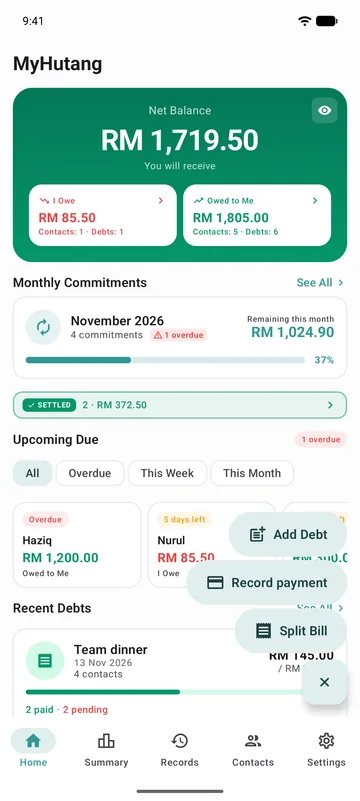
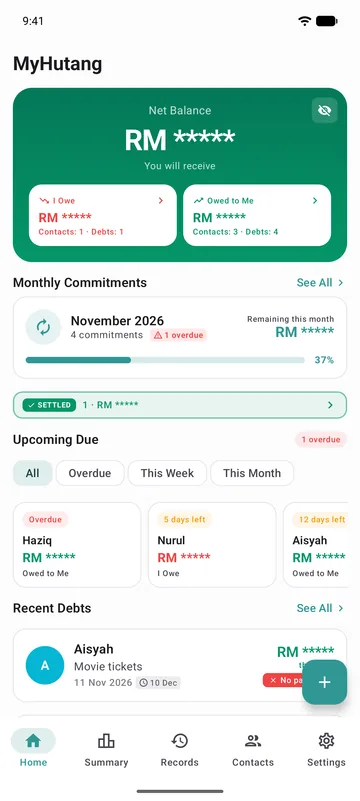
Set up the app and add your first debt.4 topicsRecord partial payments and share receipts
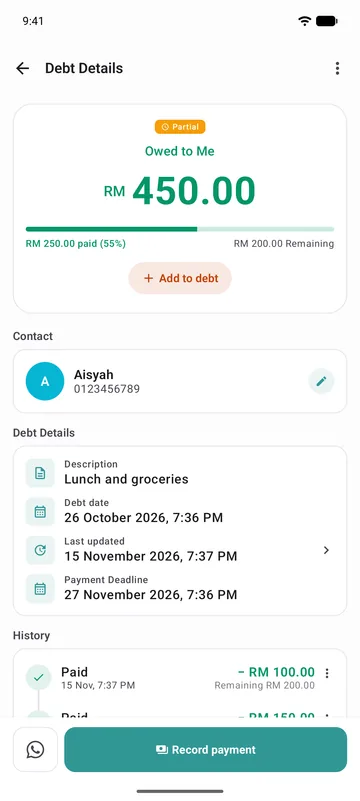
Record money paid back in parts, fix a payment, and send a PDF receipt or statement.6 topicsSet due dates and send WhatsApp reminders
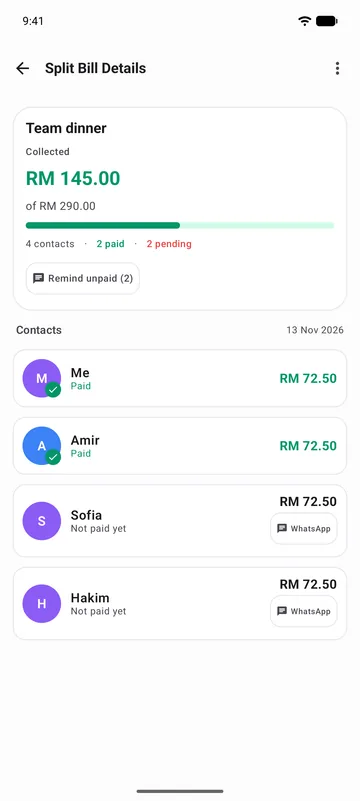
Get notified before a debt is due, and remind the other person on WhatsApp.6 topicsSplit a bill
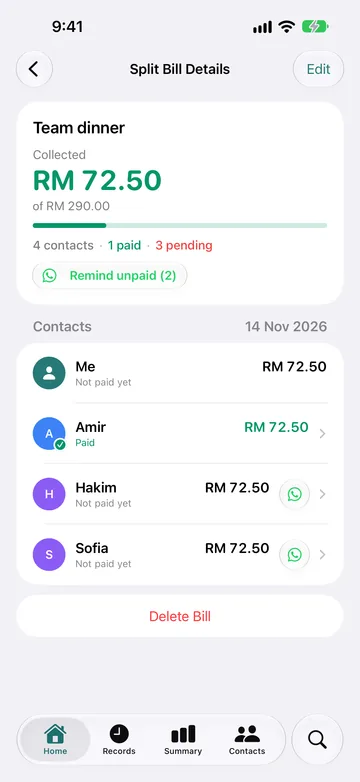
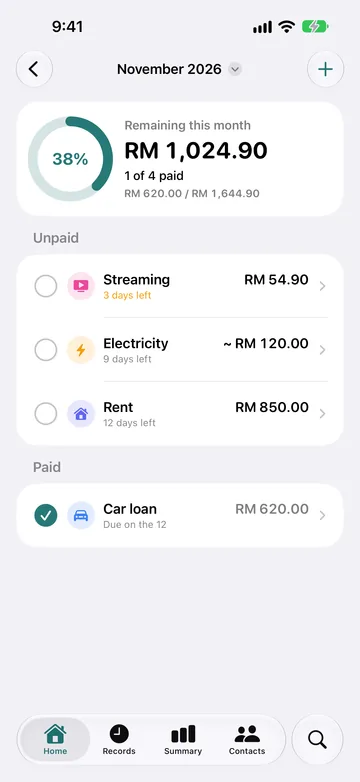
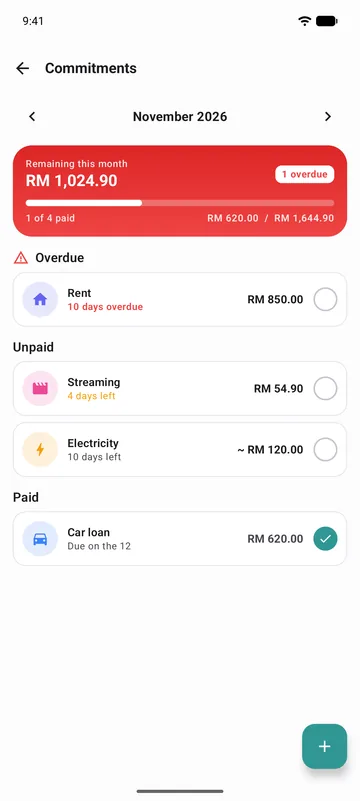
Share a bill you paid between friends. Each friend's share becomes a debt they owe you.5 topicsTrack monthly commitments
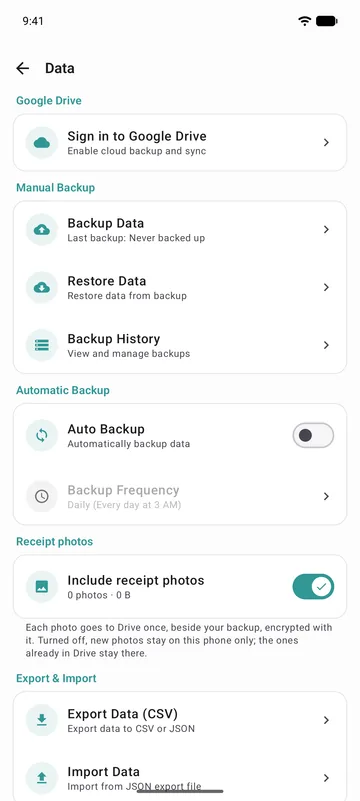
Keep a list of the bills you pay every month and see what is still unpaid.5 topicsBack up and move to a new phone
Back up to Google Drive or a file, restore on a new phone, and move between Android and iPhone.6 topicsHide names and amounts
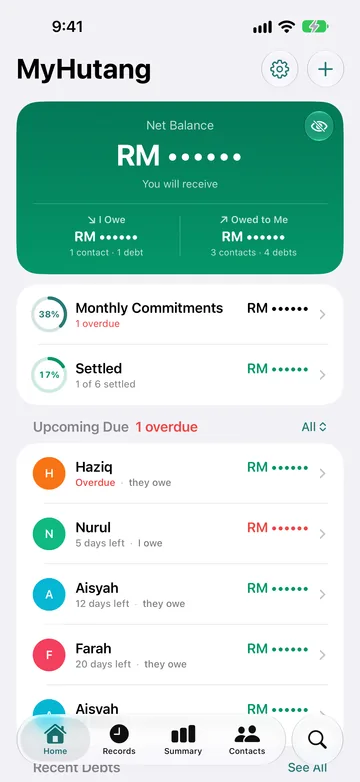
Cover amounts, names and notes on screen before you share a screenshot.4 topics
Get started with MyHutang
Set up the app and add your first debt.4 topicsRecord partial payments and share receipts
Record money paid back in parts, fix a payment, and send a PDF receipt or statement.6 topicsSet due dates and send WhatsApp reminders
Get notified before a debt is due, and remind the other person on WhatsApp.6 topicsSplit a bill
Share a bill you paid between friends. Each friend's share becomes a debt they owe you.5 topicsTrack monthly commitments
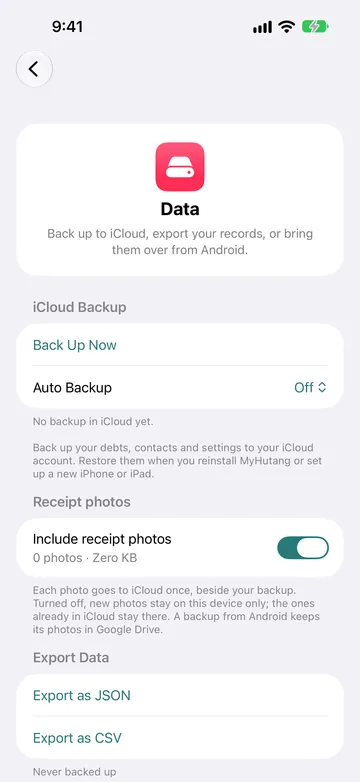
Keep a list of the bills you pay every month and see what is still unpaid.5 topicsBack up and move to a new phone
Back up to iCloud or a file, restore on a new iPhone, and move between iPhone and Android.5 topicsHide names and amounts
Cover amounts, names and notes on screen before you share a screenshot.4 topicsUse MyHutang on Apple Watch
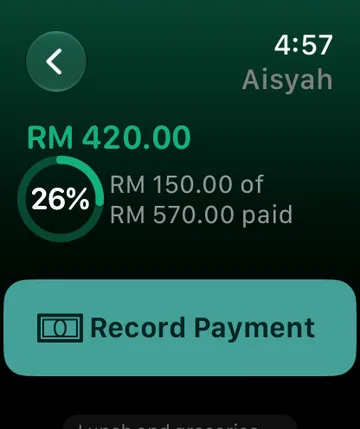
See who owes you, what is due and this month's bills on your wrist, and record a payment.8 topics